End the Mass
End the Mass and darken the wall screen.
Who this guide is for
Preparers and the parish administrator
Screens captured from the MassCast demo world on 2026-11-14. Every name, address and number on the screens is invented. Prepared 15 November 2026.
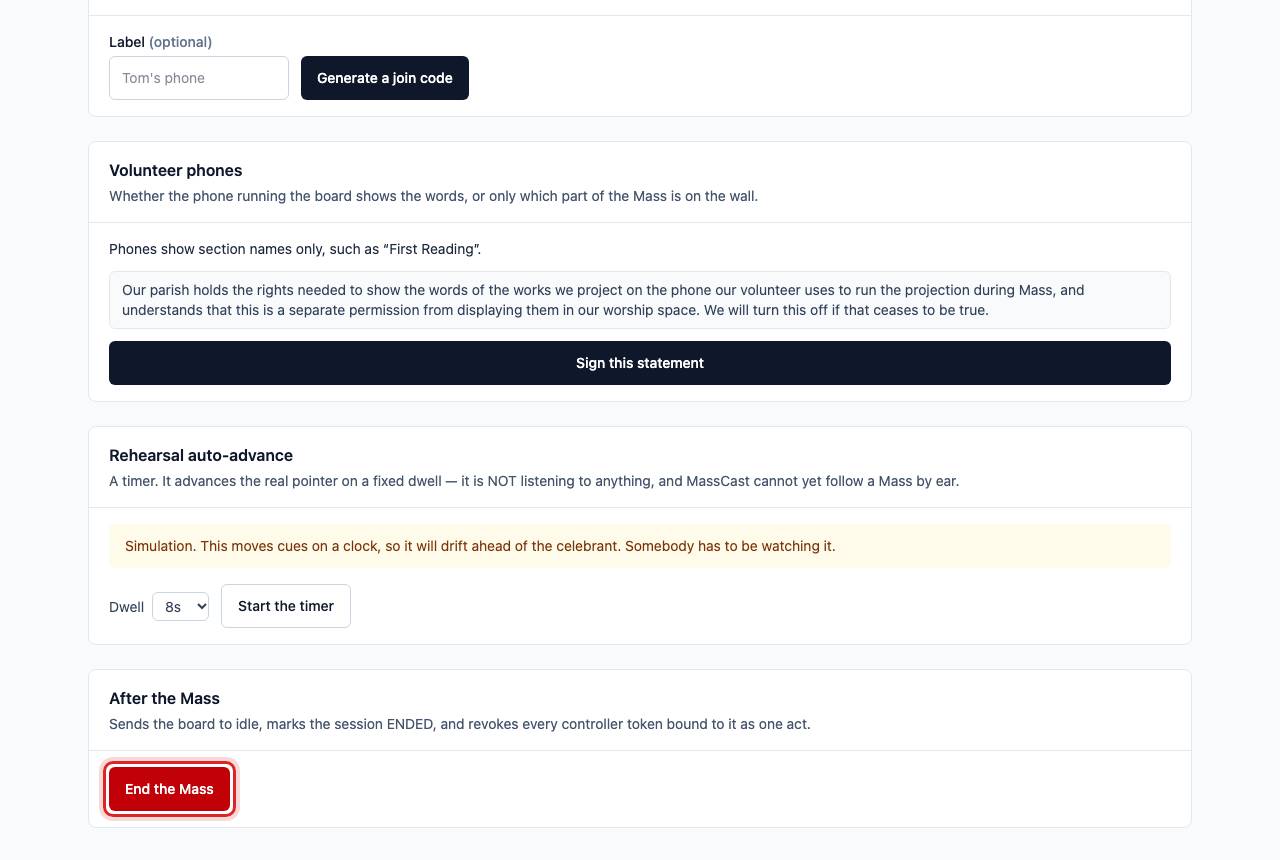
Ending the Mass darkens every wall and signs every volunteer phone out of it, in one press.
Before you start
- The Run the Mass page for the Mass, open.
Steps
1. End the Mass
Preparer or administrator
- When Mass is over, open the Run the Mass page.
- Under After the Mass, press End the Mass. It acts at once, so press it only when Mass is over.
You should see: The wall goes dark, the Mass is marked ended, and every volunteer phone is signed out of it.
2. The wall is dark again
At the screen
- Nothing to do at the screen. It stays paired, dark, until the next Mass you bind it to.

If something looks wrong
- End the Mass as soon as it is over, so no wall is left lit and no phone stays connected. If you forget, end it when you remember.
The pictures were taken automatically on 2026-11-14 from a test parish with sample wording. Your screens show your own parish and your own words.